
Blog
Acrylic Product Maintenance Mistakes That Cut Display Life by 40%

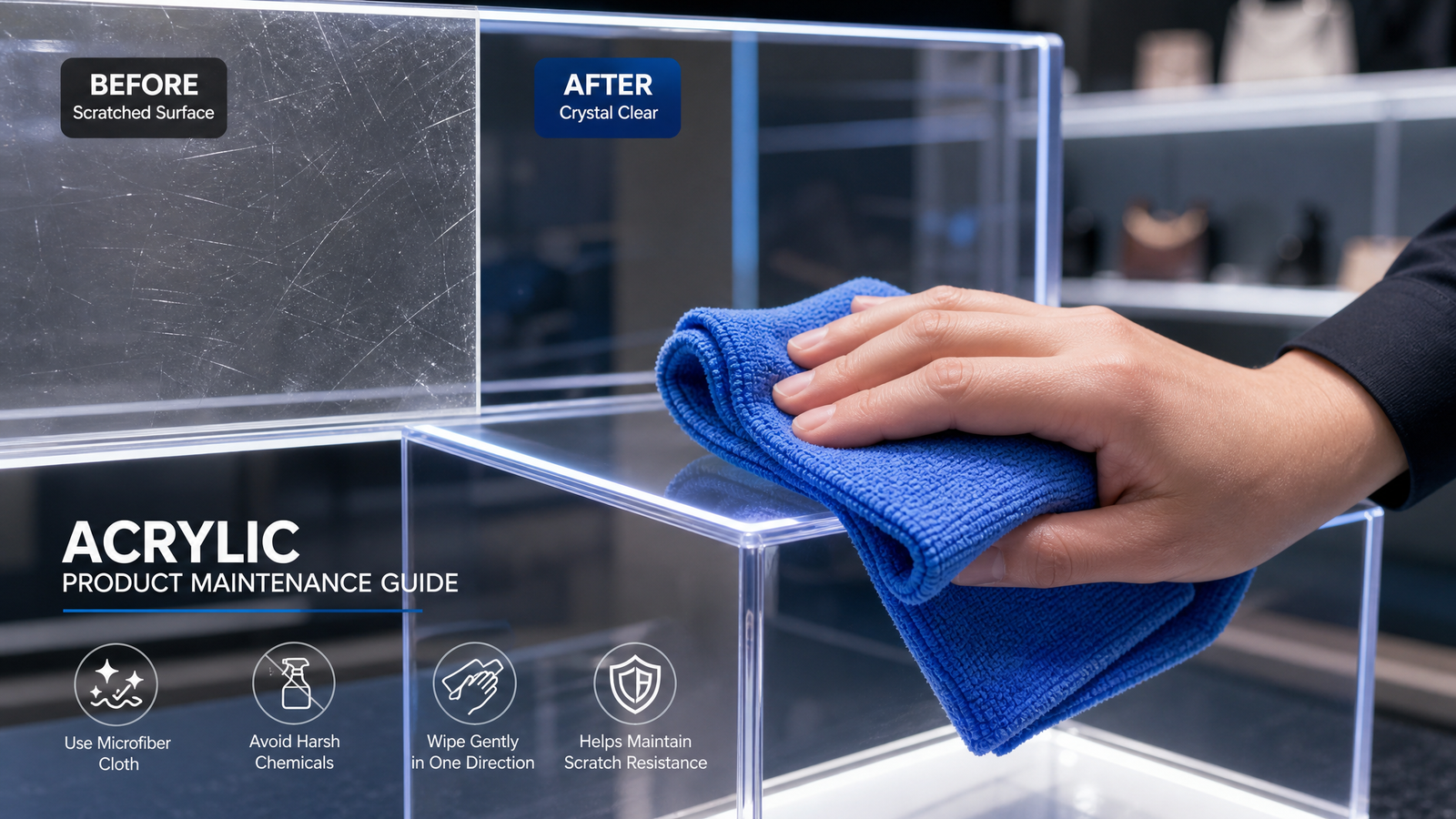
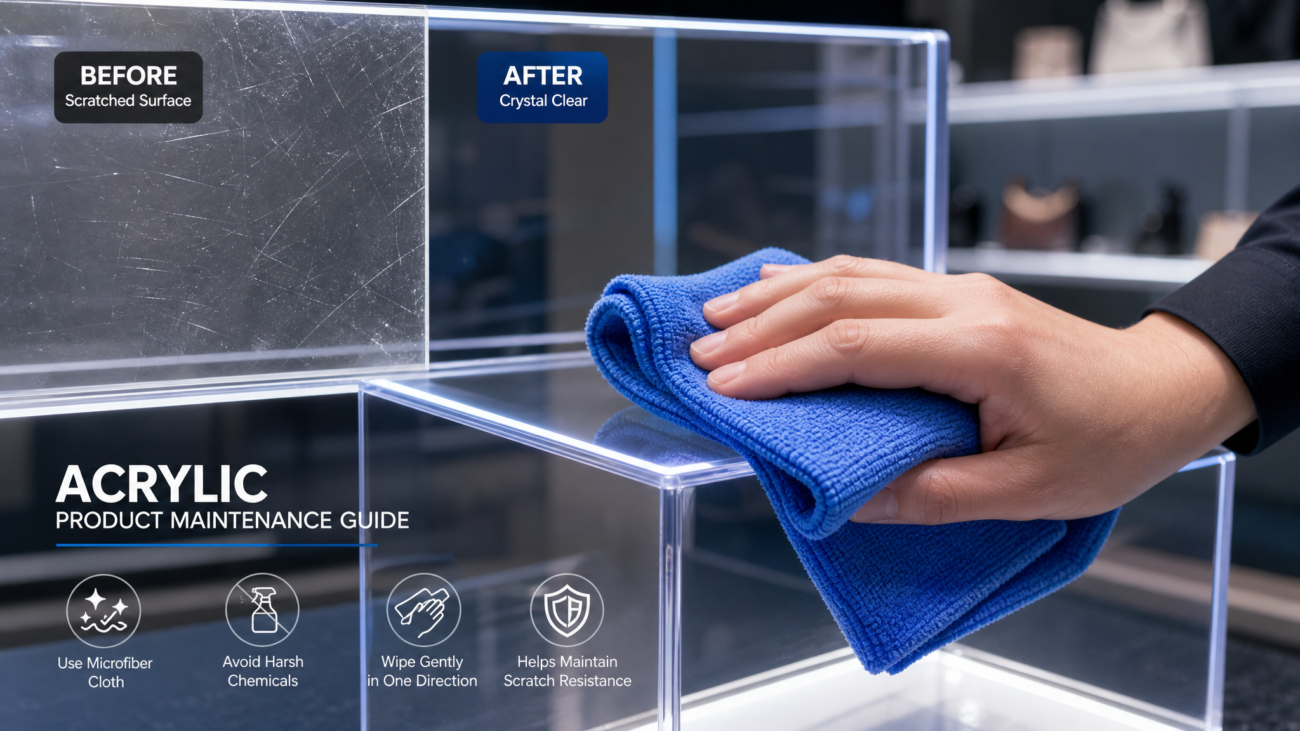
Industry audits show that up to **40% of acrylic display replacements** are caused by preventable cleaning and handling errors. That is direct margin leakage for retailers and brands. This acrylic product maintenance guide details the exact cleaning, handling, and protection steps that extend display service life and protect premium in-store presentation.
Whether you manage supermarket gondola fixtures, cosmetics counters, or QSR menu boards, the same principles apply. High-clarity acrylic raises brand perception, but only when the surface stays clean, scratch-free, and free of yellowing.
## The Real Cost of Poor Acrylic Product Maintenance in Retail
Acrylic signs and display fixtures look indestructible, but they are not maintenance-free. Hairline scratches, chemical haze, and edge chipping lower perceived brand value before the display physically fails. Industry audits show that **preventable surface damage reduces usable display life by 30–40%**, forcing earlier replacement and raising total cost of ownership.
A documented acrylic product maintenance program protects more than appearance. It protects the original fixture investment and keeps store refreshes on schedule.
– **38% higher replacement frequency** for displays cleaned with ammonia-based glass cleaners.
– **$2,000–$8,000 per store refresh** when scratched shelf displays are swapped early.
– **12–18 month yellowing window** for low-grade acrylic without UV-stable or coated surfaces.
## 7 Acrylic Product Maintenance Mistakes That Cut Display Life by 40%
These are the seven acrylic product maintenance errors most often found in retail audits. Each one is easy to fix, but together they quietly destroy clarity and durability.
### 1. Using Ammonia-Based Glass Cleaner
Ammonia and alcohol-based sprays cause micro-crazing and haze on acrylic. Replace them with a polymer-safe cleaner and a clean microfiber cloth. One wrong spray bottle can age a display by **2–3 years** in a single shift.
### 2. Dry Wiping with Paper Towels
Paper towels and shop rags embed dust particles into the surface. This creates swirl marks that reduce clarity and make displays look older. Use only high-quality microfiber with light, even pressure.
### 3. Skipping Static Control
Static charge attracts dust to acrylic displays, especially in high-traffic retail zones. Use an anti-static acrylic cleaner or ionizing air treatment for display upkeep. Cleaner surfaces hold brand color and lighting effects longer.
### 4. Placing Displays in Direct UV Hot Spots
Continuous UV exposure accelerates yellowing, especially on low-cost sheets. Reliable manufacturers typically specify **UV-stable acrylic** for window-facing retail. Add window film or rotate displays to slow photodegradation.
### 5. Using Solvent-Based Adhesives or Inks Nearby
Solvent fumes can etch clear acrylic panels. Keep alcohol inks, acetone, and strong adhesives away from display faces. If bonding is required, use acrylic-compatible adhesives only.
### 6. Ignoring Edge and Joint Damage
Chips at edges and joints are stress concentrators. They make displays crack under normal shelf loads. Inspect edges monthly and replace cracked panels before they fail.
### 7. Storing Flat or Stacked Without Protective Film
Stacked acrylic sheets trap debris and create pressure marks. Store vertically with foam dividers and keep protective film on until final install. This is a simple but high-ROI step in any acrylic product maintenance routine.
## The Right Way to Clean and Protect Acrylic Displays
Use this acrylic product maintenance sequence for high-clarity retail fixtures. It takes under five minutes per display and prevents most long-term damage.
### Step 1: Remove Loose Dust with Air or a Damp Microfiber
Never wipe dry. Blow off dust with compressed air or lightly dampen a clean microfiber cloth with water first.
### Step 2: Use a pH-Neutral, Acrylic-Safe Cleaner
Spray the cloth, not the panel, to avoid pooling at edges. Work in one direction to reduce swirl marks.
### Step 3: Apply Anti-Static and Surface Protection
Anti-static treatments reduce dust adhesion by up to **70%**. For high-touch fixtures, use a non-abrasive polish or manufacturer-approved acrylic coating.
### Step 4: Dry with a Separate Low-Lint Cloth
Pat the surface dry and finish with a dry microfiber. Do not use heat guns or blowers on edges.
The right acrylic product maintenance supplies cost less than one avoidable panel replacement. Train store teams on this sequence and post it in cleaning stations.
## How Scratch-Resistant and Anti-Yellowing Treatments Lower Acrylic Product Maintenance Costs
Premium acrylic product maintenance starts with material selection. Hard-coat and scratch-resistant surface treatments tolerate **3–5x more cleaning cycles** before visible wear.
Anti-yellowing formulations and UV stabilizers keep color shift below **Delta Y 2** after five years of indoor use. For supermarket and store fixtures, shatter-resistant acrylic is safer than glass. It avoids injury claims and product loss from broken panels.
These features also protect the premium appearance that brands rely on. High-clarity edges, glossy surfaces, and consistent light transmission keep displays looking new between refreshes.
Brands that specify coated acrylic still need a lighter acrylic product maintenance schedule. But they replace fewer panels and spend less time polishing out damage.
## When to Replace vs. Repair Acrylic Display Components
Use replacement triggers inside your acrylic product maintenance plan. Repair is only cost-effective for light surface damage.
– **Deep scratches over 0.5 mm** or cracks from holes: replace the panel.
– **Light haze and surface scratches**: polish with an acrylic-safe polishing compound.
– **Yellowing beyond a visible cream tone**: replace the sheet; polishing will not reverse UV degradation.
– **Warped or chipped edges**: replace structural components to prevent failure.
To avoid costly chargebacks from damaged retail fixtures, document damage and cleaning logs. This creates a clear history for warranty claims and supplier discussions.
## Conclusion: Your 3-Step Acrylic Product Maintenance Checklist
This acrylic product maintenance guide reduces replacement cost, protects brand presentation, and extends fixture life. Three takeaways matter most:
1. **Use acrylic-safe tools and chemicals only.** No glass cleaner, no paper towels, no dry wiping.
2. **Control UV and static exposure.** This delays yellowing and keeps dust from bonding to display surfaces.
3. **Specify scratch-resistant, UV-stable acrylic with supplier terminal-market references.** Better materials reduce long-term maintenance and replacement cost.
Use this checklist to audit every acrylic fixture in your store this week. If you are sourcing custom acrylic displays, request material data sheets, hard-coat specs, and terminal market case studies from your supplier.
—
## 📚 Related Resources
Anchor text: acrylic display manufacturing red flags — URL: /acrylic-display-manufacturing-red-flags; Anchor text: scratch-resistant acrylic sheet options — URL: /scratch-resistant-acrylic-sheets; Anchor text: acrylic vs glass retail display comparison — URL: /acrylic-vs-glass-retail-displays; Anchor text: anti-yellowing acrylic coating specs — URL: /anti-yellowing-acrylic-coatings.
—
## ❓ Frequently Asked Questions
**Q:** How often should retail acrylic displays be cleaned?
**A:** High-touch fixtures need daily dust removal and a full acrylic-safe cleaning every 1–2 weeks. Window displays in dusty or high-traffic areas may need weekly cleaning with anti-static treatment.
**Q:** Can I use regular glass cleaner on acrylic?
**A:** No. Ammonia and alcohol-based glass cleaners cause micro-crazing, haze, and premature yellowing. Use a pH-neutral cleaner specifically formulated for acrylic.
**Q:** What is the best way to remove light scratches from acrylic displays?
**A:** For surface-level marks, use a non-abrasive acrylic polish and a clean microfiber cloth. Deep scratches over 0.5 mm usually require professional buffing or panel replacement.
**Q:** How do I stop acrylic displays from yellowing?
**A:** Specify UV-stable or anti-yellowing acrylic, avoid direct sunlight hot spots, and do not use solvent-based cleaners. Reliable manufacturers can provide accelerated aging data for their sheet.
**Q:** Is acrylic safer than glass for supermarket displays?
**A:** Yes. Acrylic is shatter-resistant and lighter than glass, reducing injury risk and product damage in high-traffic retail environments. Use hard-coated acrylic for scratch resistance.